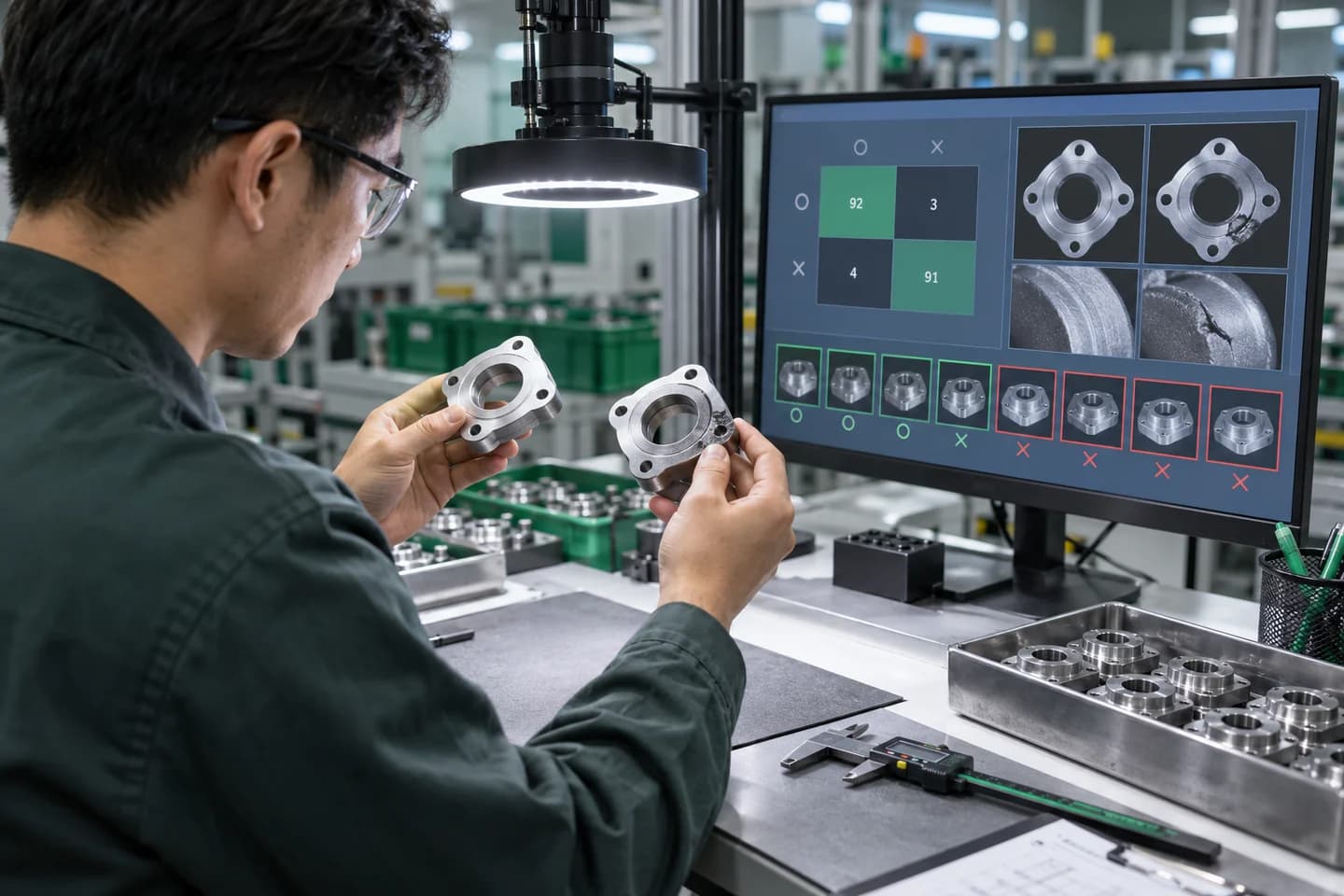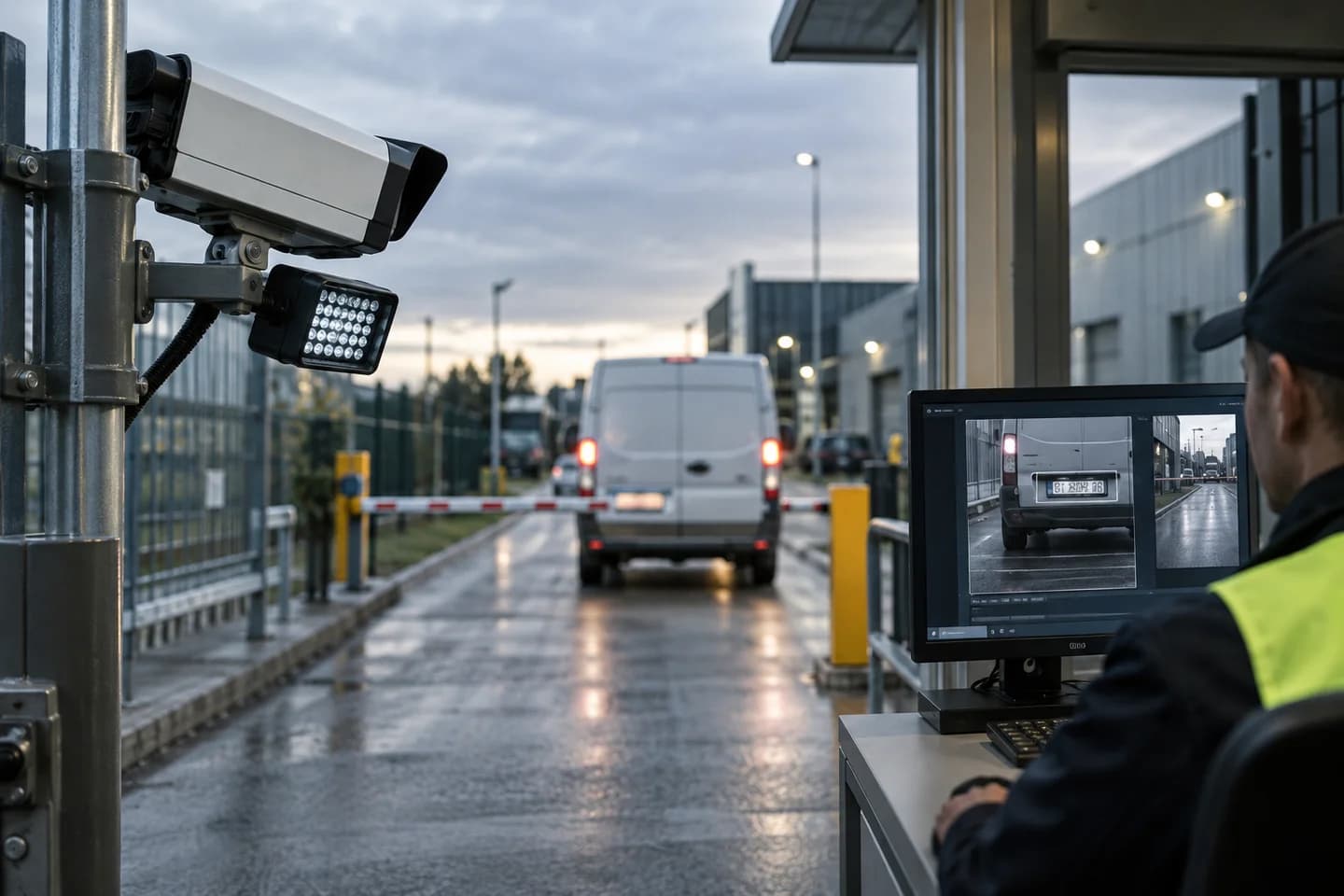
ถ้า AI Image Processing ตอบ "ภาพนี้ pass หรือ fail" แบบ Object Detection ตอบลึกกว่า: "อะไรอยู่ตรงไหน เท่าไหร่ ในภาพ" บทความนี้เจาะ YOLO และ 6 use cases ที่ใช้กันจริงในโรงงานไทย รวมถึงแนวทางต่อยอดเป็น AI Object Detection & Bag Inspection สำหรับงานตรวจ defect จากกล้องจริง
Object Detection คืออะไร?
คือ AI model ที่รับภาพ → ส่งคืน:
- Bounding box (x, y, width, height) ของแต่ละวัตถุ
- Class (ประเภทของวัตถุ)
- Confidence score (ความมั่นใจ 0-1)
Input: ภาพสายพาน
Output:
  - bottle, x=120, y=80, w=60, h=180, score=0.97
  - bottle, x=350, y=85, w=58, h=175, score=0.95
  - cap_missing, x=420, y=70, w=40, h=40, score=0.88  ← Defect!
ทำไม YOLO ถึงเป็นที่นิยม?
YOLO (You Only Look Once) เป็น object detection model ที่:
- เร็ว — 60-200 fps บน GPU
- รันบน edge ได้ — Jetson, Raspberry Pi 5
- Train เองได้ ด้วยภาพ 100-500 ภาพต่อ class
- Open source มี community ใหญ่
Version ที่นิยมใช้:
| Version | จุดเด่น | ใช้เมื่อ | |---------|---------|----------| | YOLO11 | รุ่นที่ Ultralytics แนะนำ, parameter น้อยกว่า v8 ที่ความแม่นยำใกล้เคียงหรือดีกว่า | โปรเจกต์ใหม่ | | YOLOv8 | เสถียร, ตัวอย่างและ tutorial เยอะที่สุด | ระบบที่ใช้งานอยู่แล้ว | | RT-DETR | สถาปัตยกรรม transformer, ไม่ต้องทำ NMS | ฉากที่วัตถุซ้อนกันเยอะ มี GPU แรงพอ | | YOLOv5 | รุ่นเก่า ยังเจอในระบบเดิม | ดูแลระบบเก่า ไม่แนะนำเริ่มใหม่ |
YOLO ออกรุ่นใหม่แทบทุกปี ก่อนเริ่มโปรเจกต์ให้เช็ครุ่นล่าสุดใน Ultralytics Docs และทดสอบกับภาพของโรงงานจริง — ตัวเลข benchmark บน COCO dataset ไม่ได้บอกว่าจะแม่นกับชิ้นงานของคุณ
6 Use Cases ในโรงงาน
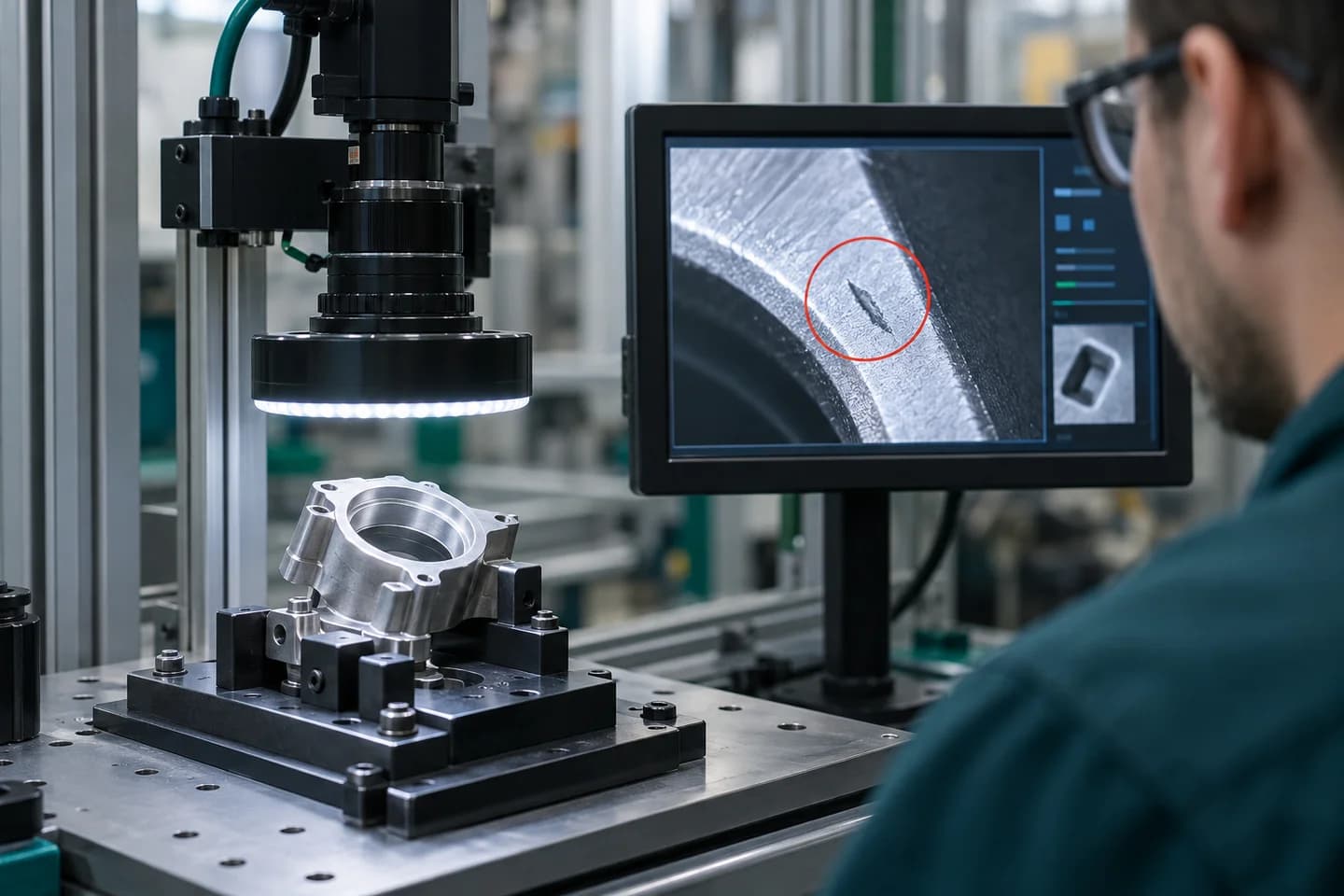
1. Defect Localization (หาตำแหน่งของเสีย)
ปัญหา: Classification บอกแค่ "มี defect" — ไม่บอกว่าตรงไหน แก้ด้วย Detection: ระบุตำแหน่งและประเภทของ defect
ตัวอย่าง: สายพานชิ้นส่วนรถยนต์
- รอยขีด (scratch)
- รอยบุบ (dent)
- สีไม่เข้ม (paint thin)
- รู (hole)
ROI: QC 1 คน scan 100 ชิ้น/ชั่วโมง → AI ทำ 1,000 ชิ้น/ชั่วโมง
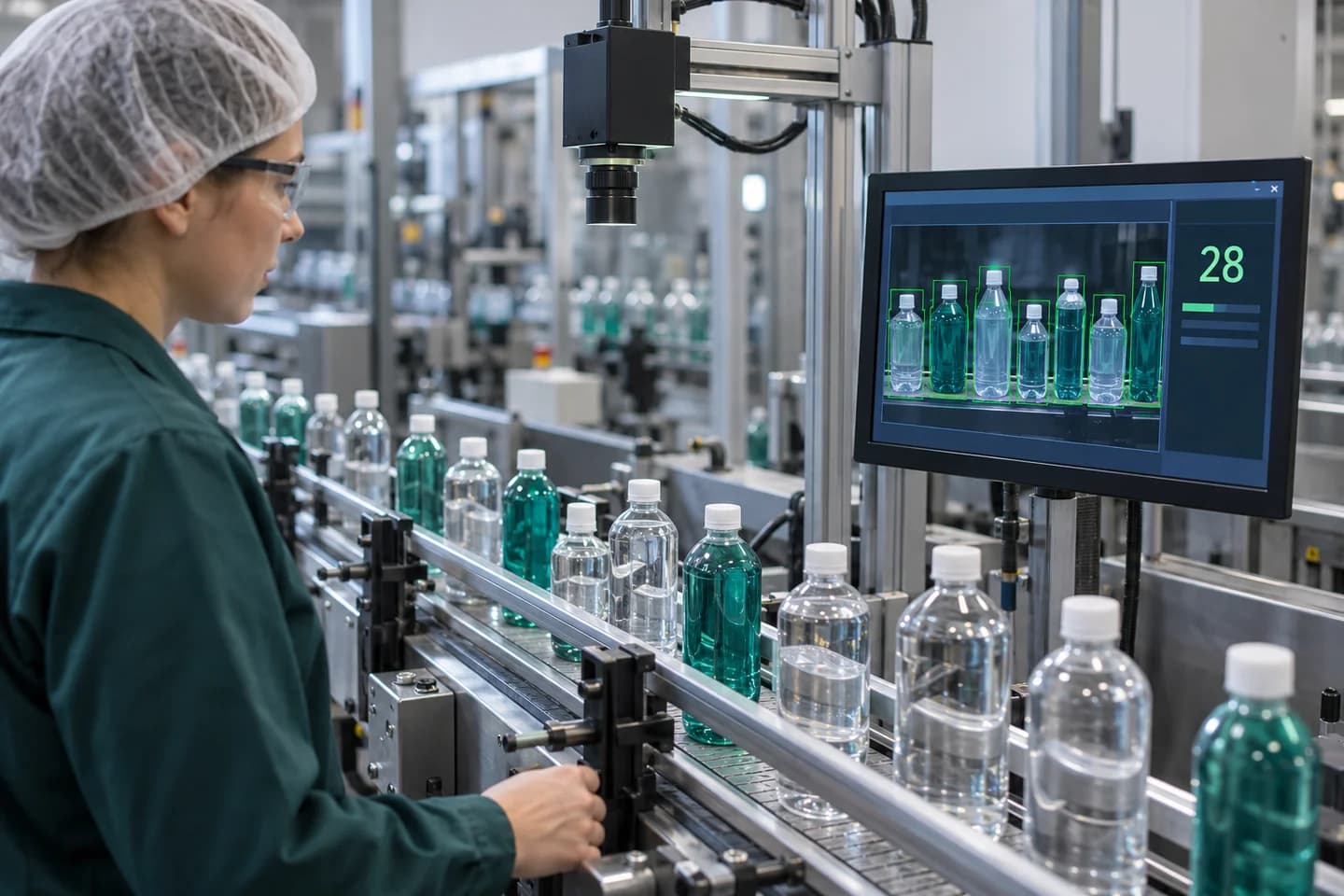
2. Counting (นับวัตถุ)
Use case: นับขวดในลังก่อนปิด, นับเม็ดยาในถาด, นับ cookie ในแพ็ค Speed: Real-time, error rate < 0.5%
3. Object Tracking (ติดตามวัตถุ)
Use case: ติดตาม pallet ในคลัง, ติดตามคนใน restricted area Tech: YOLO + DeepSORT, ByteTrack
4. Worker Safety (ตรวจ PPE)
ตรวจ:
- หมวกนิรภัย (helmet)
- เสื้อสะท้อนแสง (reflective vest)
- รองเท้านิรภัย (safety shoes)
- หน้ากาก (mask)
Alert ผ่าน LINE/Buzzer เมื่อพบคนไม่ใส่ PPE ใน hot zone
5. Robot Picking (Vision-guided Pickup)
Use case: หุ่นยนต์หยิบของจาก bin (bin picking) Pipeline: Object Detection → 6D pose estimation → Robot path planning
6. Logistics & Sorting
Use case: แยก parcel ตามขนาด/รูปทรง Detection: กล่อง, ซอง, ของเหลว, fragile sticker
ดูเพิ่มเรื่อง ระบบ automation sorter
Hardware สำหรับ Edge Deployment
| Device | Speed (โมเดล nano, โดยประมาณ) | ราคา (บาท) | เหมาะกับ | |--------|-----------------|------|----------| | NVIDIA Jetson Orin Nano Super | 60+ fps | 10,000-25,000 | Edge AI ทั่วไป | | NVIDIA Jetson AGX Orin | 200 fps | 80,000+ | High-throughput, หลายกล้อง | | Raspberry Pi 5 + AI HAT+ | 15-30 fps | 8,000-12,000 | Pilot, งานไม่ซับซ้อน | | Industrial PC + RTX 4060/5060 | 250 fps | 80,000+ | Heavy workload | | Google Coral USB | 30 fps | 3,000 | TFLite models เท่านั้น |
ความเร็วขึ้นกับขนาดภาพ, รุ่นโมเดล และการ optimize ด้วย TensorRT — ใช้เป็นตัวเลขเทียบกันคร่าวๆ เท่านั้น
วิธี Train YOLO ของตัวเอง
1. เก็บข้อมูล (1-2 สัปดาห์)
- 200-500 ภาพต่อ class (minimum)
- หลากหลาย angle, lighting, background
- Format: JPG/PNG
2. Annotate
- Tool: Roboflow (free + cloud), Label Studio (self-host), CVAT
- รูปแบบ: bounding box รอบวัตถุ + label
- Export: YOLO format (txt files)
3. Train (2-8 ชั่วโมงบน GPU)
# YOLO11 example (ultralytics >= 8.3)
from ultralytics import YOLO

model = YOLO('yolo11n.pt')  # pre-trained — ระบบเดิมที่ใช้ v8 เปลี่ยนเป็น 'yolov8n.pt' ได้
model.train(
    data='dataset.yaml',
    epochs=100,
    imgsz=640,
    batch=16
)
4. Validate
- [email protected] > 0.85 = ดี
- [email protected] > 0.95 = excellent
5. Export & Deploy
model.export(format='onnx') # หรือ tensorrt, openvino
ปัญหาที่พบบ่อย
❌ Class imbalance
ของเสีย 100 ชิ้น vs ของดี 10,000 ชิ้น → model bias
แก้: Oversampling, weighted loss, หรือใช้ Anomaly Detection
❌ Small object detection
วัตถุเล็กกว่า 20×20 pixel — YOLO หายาก
แก้: ใช้ image tiling, เพิ่ม imgsz, ใช้โมเดลขนาดใหญ่ขึ้น (เช่น YOLO11x) หรือ specialized models
❌ Lighting variation
แสงเปลี่ยน → confidence drop
แก้: Controlled lighting + augmentation ตอน train
❌ Edge device ร้อน
รัน 24/7 → throttle
แก้: Heatsink + fan + monitor temperature
งบประมาณ Pilot Project
| รายการ | บาท | |--------|-----| | Industrial camera + lens | 60,000 | | LED lighting | 20,000 | | Jetson Orin Nano Super | 15,000 | | Mounting + housing | 15,000 | | Data collection + annotation | 80,000 | | Model training + tuning | 100,000 | | Integration (PLC, MES) | 80,000 | | รวม | 370,000 |
ROI ขึ้นอยู่กับ use case แต่ส่วนใหญ่คืนทุนภายใน 6-15 เดือน
Best Practices
✅ ทำ
- เก็บภาพ raw ทุกใบในช่วง pilot (ใช้ retrain)
- Train แยกตาม shift/lighting condition
- Monitor model accuracy ใน production
- มี fallback ถ้า AI ไม่มั่นใจ (confidence < 0.5)
❌ อย่าทำ
- Deploy ไปแล้วไม่กลับมาดู
- ใช้ pretrained model ทันที โดยไม่ fine-tune
- เก็บข้อมูลเฉพาะของเสีย (จะ overfit)
- ไม่ทำ A/B test กับ manual inspection
สรุป
Object Detection ด้วย YOLO เป็นเทคโนโลยีที่ "พร้อมใช้" สำหรับโรงงานไทยแล้ว — hardware ราคาไม่แพง, model open-source, มี tooling พร้อม
ความสำเร็จขึ้นอยู่กับ engineering รายละเอียด มากกว่า algorithm
อ่านต่อ
- AI Image Processing ในโรงงาน — overview กว้างกว่า
- Automation Sorter — Object Detection + เครื่องจักรคัดแยก
- ระบบบันทึกข้อมูลการผลิต — เก็บผลลัพธ์ AI เป็นระบบ
หากกำลังพิจารณาใช้ Object Detection ในสายผลิต ทีม ไนท์เดย์ เทคโนโลยี ช่วยดูแลตั้งแต่ data collection ถึง edge deployment — ติดต่อเรา เพื่อพูดคุยรายละเอียด